Create a Stylish Free Fire Name Instantly
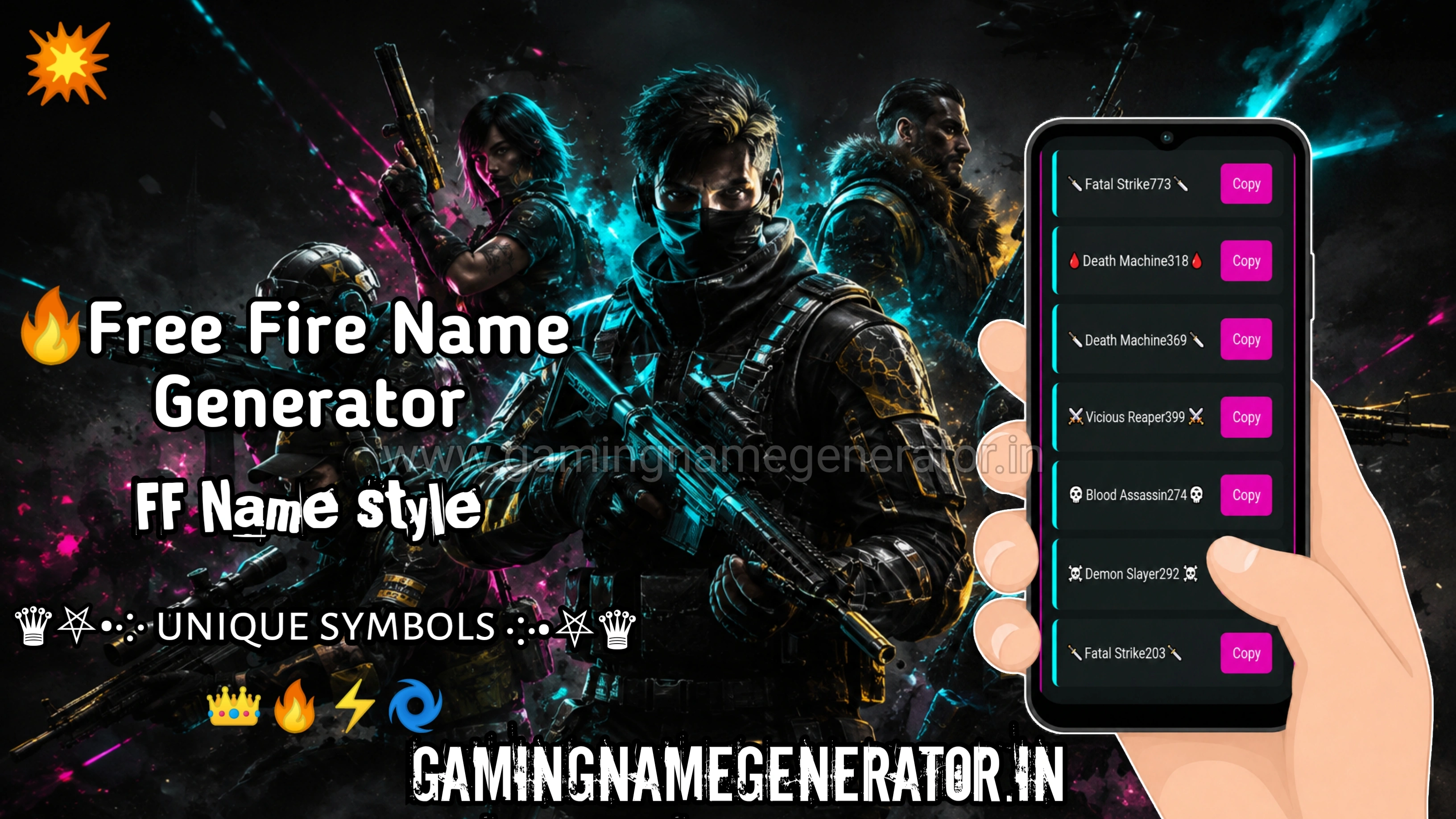
Want a Free Fire name that actually stands out in the lobby? This free tool gives you stylish fonts and decorative symbols like ♛, ⚔️, and 亗 — combined instantly with your name, no hunting for the right Unicode character or copying it from some random forum post. Just type your name, pick a style you like, and copy-paste it straight into your Free Fire profile. Playing BGMI or PUBG too? Check out our Gaming Name Generator for fonts or our Symbol Name Generator for BGMI and PUBG.
What is a Free Fire Name Generator?
A Free Fire name generator is a free online tool that transforms your regular username into a stylish, eye-catching name using special fonts and Unicode symbols. Instead of manually typing out special characters or guessing which combinations actually display correctly, you type your name once and instantly get a list of ready-to-use styles — from clean, minimal fonts to bold, symbol-heavy designs.
This tool is different from our BGMI Name Generator with Symbols — while both use fonts and symbols, the styles and symbol sets here are curated specifically for Free Fire. Certain characters and combinations render better in Free Fire than they do in BGMI or PUBG, so this page focuses on symbols and fonts that are tested and optimized for Free Fire's naming system specifically, not just a generic set reused across every game.
The goal isn't just decoration. A good generator understands what actually renders properly inside Free Fire, so the names you generate don't turn into broken squares or get rejected when you try to save them. That's the difference between a name that looks genuinely stylish in-game and one that just looks broken.
Want Free Fire Names in Hindi or Styles Fonts?
If you'd like something different from the symbol styles on this page, there are two other places worth a look. For unique names in Hindi that still work well in Free Fire, you can explore our Free Fire Hindi name page and pick one that sounds like you.
And if you'd rather skip the symbols and just want clean, stylish lettering for your name, our font style generator lets you type in your name and see plenty of font options without any symbols attached.
Top 10 Free Fire Name Styles (2026)
If you're looking for Free Fire fonts that actually trend right now, these are the styles players are using the most this year:
- Bold Unicode Fonts — clean, thick lettering that's easy to read in the kill feed
- Symbol-Wrapped Names — a short word framed with matching symbols on both sides
- Attitude Style — sharp, aggressive-looking fonts paired with symbols like ⚔️ or 🔥, popular as a Free Fire name style boy attitude choice
- Alone Boy Style — minimal, moody combinations like ×͜× wrapped around a short name, popular with solo players who want a "lone wolf" look
- Gothic/Fraktur Fonts — heavier, old-style lettering for a more intimidating look
- Bubble Text — rounded, playful fonts that stay easy to read
- Small Caps — a subtle, clean style that still stands out from default names
- Double-Struck Fonts — bold outlined letters, popular for a sharp, modern look
- Squad Tag Style — matching prefixes or suffixes so your whole team looks unified
- Fullwidth Text — wide-spaced letters that grab attention without symbols
All of these are available as ready-to-use Free Fire fonts style options in the generator above — just type your name and pick whichever fits your vibe.
How to Use the Free Fire Name Generator
This tool gives you three easy ways to find the perfect name — pick whichever works best for you.
Browse by Category
Choose from ready-made categories, each packed with names and symbol combinations:
- Flame & Fire Names
- Deadly & Killer Names
- Pro & Legend Names
- Squad & Team Names
Pick a category, find a name you like, and hit copy. Want more options? Tap the More button to load a fresh batch instantly.
Try Random Name
Can't decide? Tap the Random Name button and get a batch of unique names with different symbol styles instantly. Copy the one you like best and paste it straight into your game.
Generate From Your Own Name
Want something based on your own name or username?
- Type your name into the box
- Tap Generate
- Copy your favorite style from the results
- Paste it into your game profile
Best Free Fire Attitude Names for Boys
If you want your name to feel aggressive and intimidating rather than cute or minimal, attitude-style names are the way to go. These usually pair sharp, bold fonts with symbols like ⚔️, 🔥, or 亗, giving the name a "don't mess with me" kind of energy that works well for solo players and aggressive rushers alike.
The generator's Deadly & Killer Names category is built exactly for this — pick one directly, or type your own name and let the tool apply a similar aggressive style around it.
Want Free Fire Fonts Without Symbols?
Symbols aren't for everyone — if you'd rather keep things clean with just stylish Free Fire fonts and skip the decorative characters, we've got you covered. Our Gaming Name Generator offers 500+ font styles, from bold and gothic to bubble and cursive text, all copy-paste ready and fully compatible with Free Fire, BGMI, and PUBG. It's the same fast, no-signup workflow — just pure font style without any symbols mixed in.
More Gaming Name Tools
- Gaming Name Generator — Stylish fonts for BGMI & PUBG
- BGMI & PUBG Name Generator with Symbols Decorative symbol names for BGMI & PUBG
- Hindi Name Generator — Unique Hindi-style gaming names
Conclusion
Getting a Free Fire name that actually looks sharp — and works properly in-game — doesn't have to take more than a minute. Whether you go with a ready-made style from the Top 10 list, browse categories like Flame & Fire or Deadly & Killer Names, hit Random for something instant, or generate one from your own name, this tool covers every way players actually look for a name.
Keep in mind that not every symbol renders the same way on every device — if one style doesn't display correctly after you save it, just come back and try a different combination. And remember, Free Fire names are capped at 12 characters, so keep that in mind while picking your favorite style. With this many options available, you'll always find one that fits, displays properly, and looks exactly how you want it to.